Expand Your Practice With Dr. Perry’s Instructional Videos
After several years of work, we are happy to offer the web’s most comprehensive library of Trigger Point Therapy Instructional Videos. These videos are based on our successful 60-Hour Clinical Trigger Point Therapy Program, and are geared towards the professional practitioner, working in a clinical setting. The videos do assume some prerequisite knowledge that is available in our Free Online Introductory Course to Clinical Trigger Point Therapy. To celebrate the completion of this huge project, we are offering significant discounts (33 to 50% Off- depending on the product) for all our video downloads for a limited time.
Content To Meet Your Specific Needs
In an effort to efficiently connect you with the information that you seek, we have organized our content to meet the varying needs of the professional therapist. So whether you just need to know how to release the trigger points in the Quadratus Lumborum muscle group, or whether you need a clinically proven protocol for your client’s shoulder pain, or you need an effective clinical pain management system to employ in your practice, we have a content suited for your needs.
On Demand Delivery With Cross Platform Flexibility
We can deliver your specific content on demand via video downloads, so there is no waiting around for a class to start or for a DVD to arrive in the mail. Upon purchase of this download you will receive an email containing the download link for the video in the mp4 video format. The mp4 format is used universally on all modern computers and devices.
Download The Content That You Seek – In 4 Easy Steps
Step 1: Select the video you want to download and click the “Add To Cart” to put it in your shopping cart.
Step 2: Click “checkout” in your shopping cart and make your purchase using your PayPal account or a Credit or Debit Card. Please note, you do not need a PayPal account to use Paypal to checkout with a credit or debit card.
Step 3: Once you have completed your transaction you will receive an email containing the download links for the videos you purchased (please check your spam folder or filter if you don’t receive this email within a few minutes of your purchase). Additionally, the PayPal website will redirect you back to our site after your purchase where you can download your purchased videos directly.
Step 4: You may need to manually unzip the video file once it arrives on your computer or device (right click on the file and choose “unarchive” or use a third-party app like GoodReader on your device). Each download link provided is good for only ten downloads (or download attempts). If you find that you need more to download your purchase please contact us.
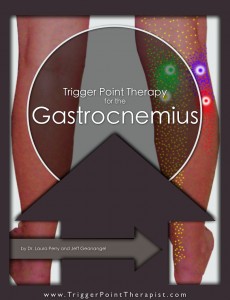
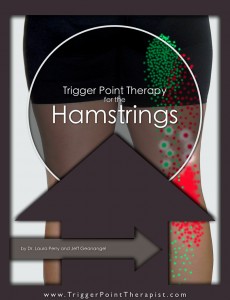
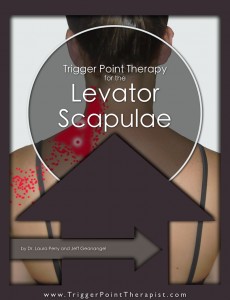
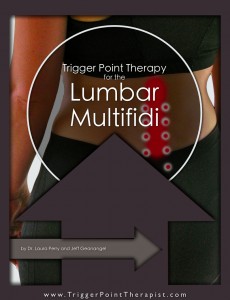
Trigger Point Therapy Instructional Videos
Click on an image below for more information about that video: